Turn an invoice into a receiving draft.
Upload the supplier’s invoice. AI prepares the items, quantities and costs so staff can check the delivery and record what actually arrived.
Explore invoice receivingFrom receiving deliveries to answering owner questions, see what AI handles and where your team takes over.
Choose a workflow
Upload the supplier’s invoice. AI prepares the items, quantities and costs so staff can check the delivery and record what actually arrived.
Explore invoice receivingOrby answers questions using your restaurant’s menu and helps guests build an order through conversation. Confirmed orders follow the configured POS workflow.
Explore guest orderingAsk about sales, stock or purchasing. Universe reads your restaurant’s data, predicts trends and surfaces insights to help you decide what comes next and take action.
Explore owner questionsChoose a task to see what goes in, what AI prepares and who reviews the result. Each example is marked as available today or planned.
Restaurant team
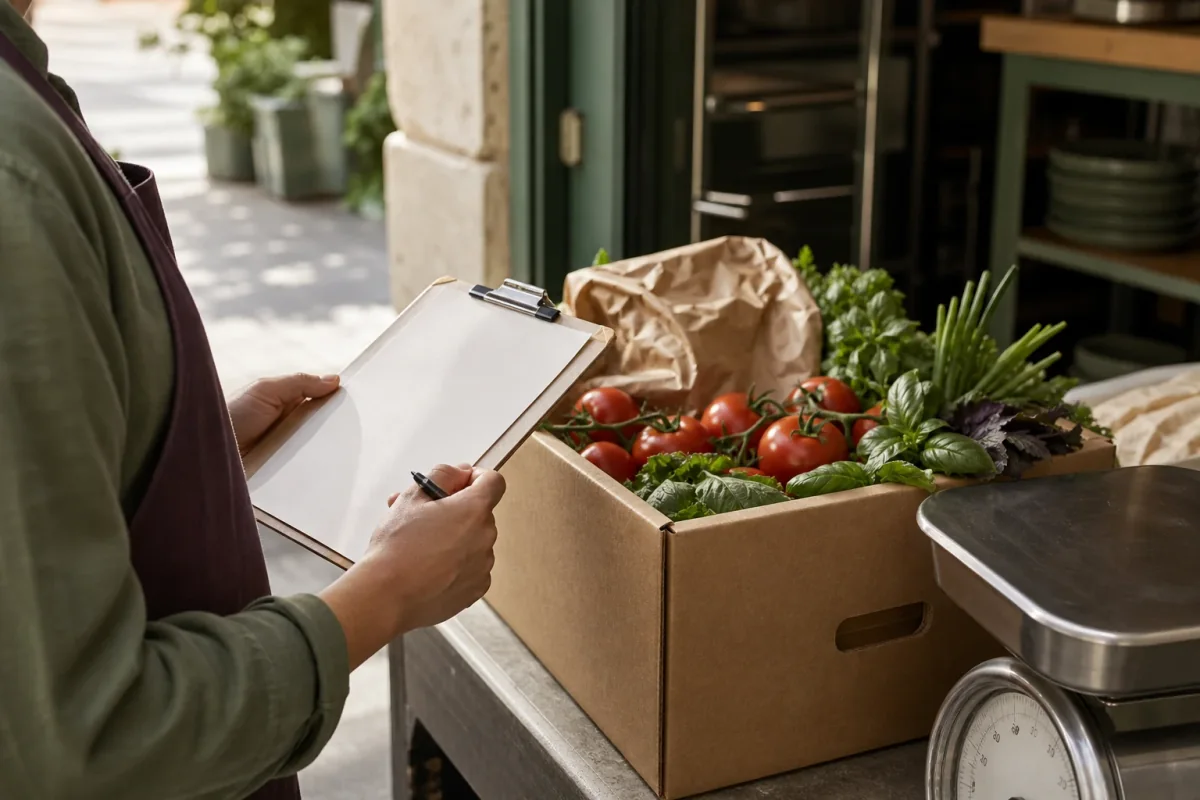
Upload a supplier invoice photo or PDF. The delivery still needs to be checked against the goods received.
Today’s products help with specific jobs. Our longer-term goal is to bring information, planning and approved follow-up work into one AI workspace.

The goal is to bring sales, stock, supplier costs, accounting, bookings, delivery activity, staffing and guest feedback into a shared operating view.
An owner could review an issue across locations without manually combining reports from each tool.
Bring an invoice, an owner question or a process you want to improve. We’ll walk through the relevant product and agree what your setup needs.
Discuss your requirements