
RestroAI Inventory
Stock, recipes and purchasing.
Record deliveries, stock counts, waste and transfers. Manage recipes, supplier orders and ingredient costs.
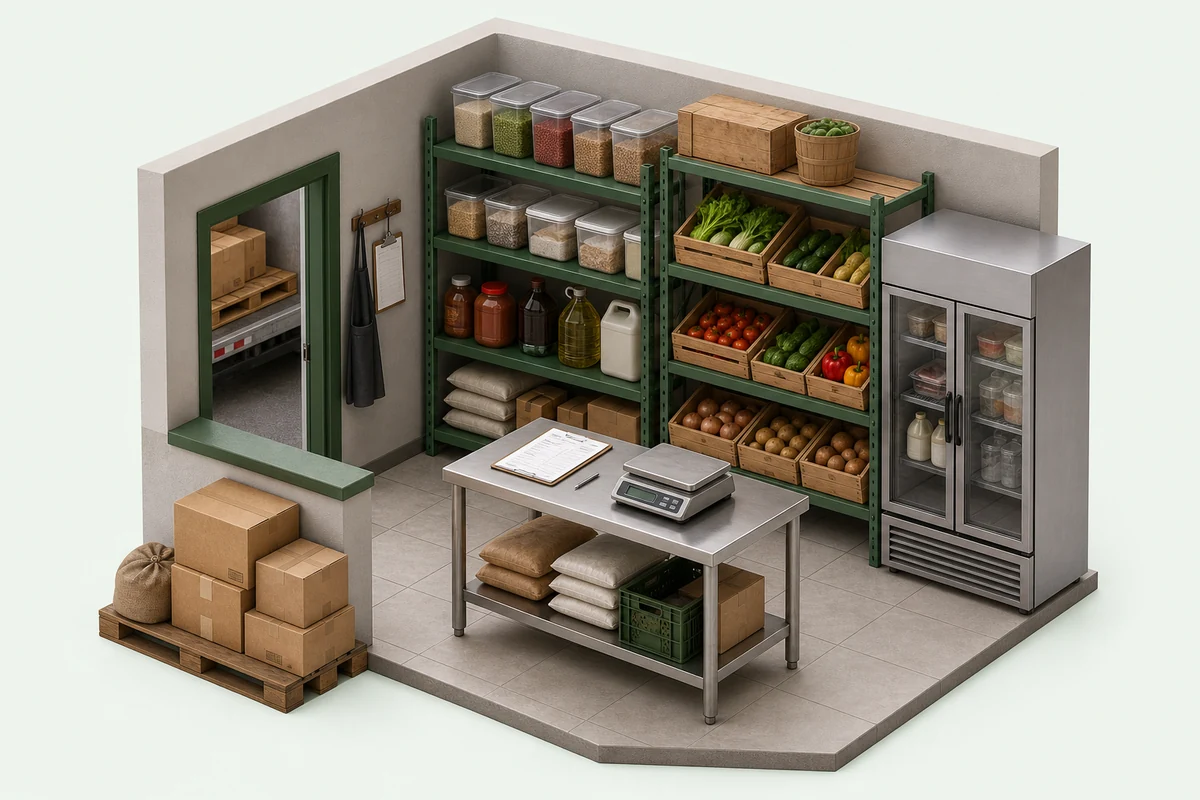
Inventory operations
- Stock and batches
- Track quantities by outlet, batch and expiry date. Review receipts and stock movements.
- Recipes and production
- Define ingredients, units and yields. Record prep and production against recipes.
- Suppliers and purchasing
- Keep supplier catalogs and prices, prepare purchase orders and record what arrives.
- Counts and waste
- Run physical stock counts, review differences and record waste with reasons.
- Outlet transfers
- Manage requests, approval, dispatch and receiving between locations.
- Costs and history
- Review stock valuation, recipe cost estimates and movement history in their respective views.
AI features
- Supplier invoice processing
- Read invoice details into a receiving draft. Staff check item matches, units, quantities and costs before confirming the receipt.
- Catalog item drafts
- Describe items in text. Review the proposed names, units and categories, then add the selected items.
AI extraction creates a draft. It does not update stock until the receipt is reviewed and confirmed.
A typical workflow
Upload the invoice
Provide a photo or PDF from the supplier.
Review the details
Check the matched items, quantities and units against the delivery.
Confirm the receipt
Record the goods received after the review is complete.
Setup for your restaurant
We review your items, units, recipes, suppliers, stock process and outlet locations. Imports and any changes to your workflow are agreed with your team.
What we can cover in your demo
- How do invoice review and receiving work?
- How are recipes and production recorded?
- How can our locations transfer stock?