
RestroAI POS
Orders, billing and restaurant service.
Manage orders, bills, menus, tables, reservations and kitchen work. Review sales and recorded expenses.
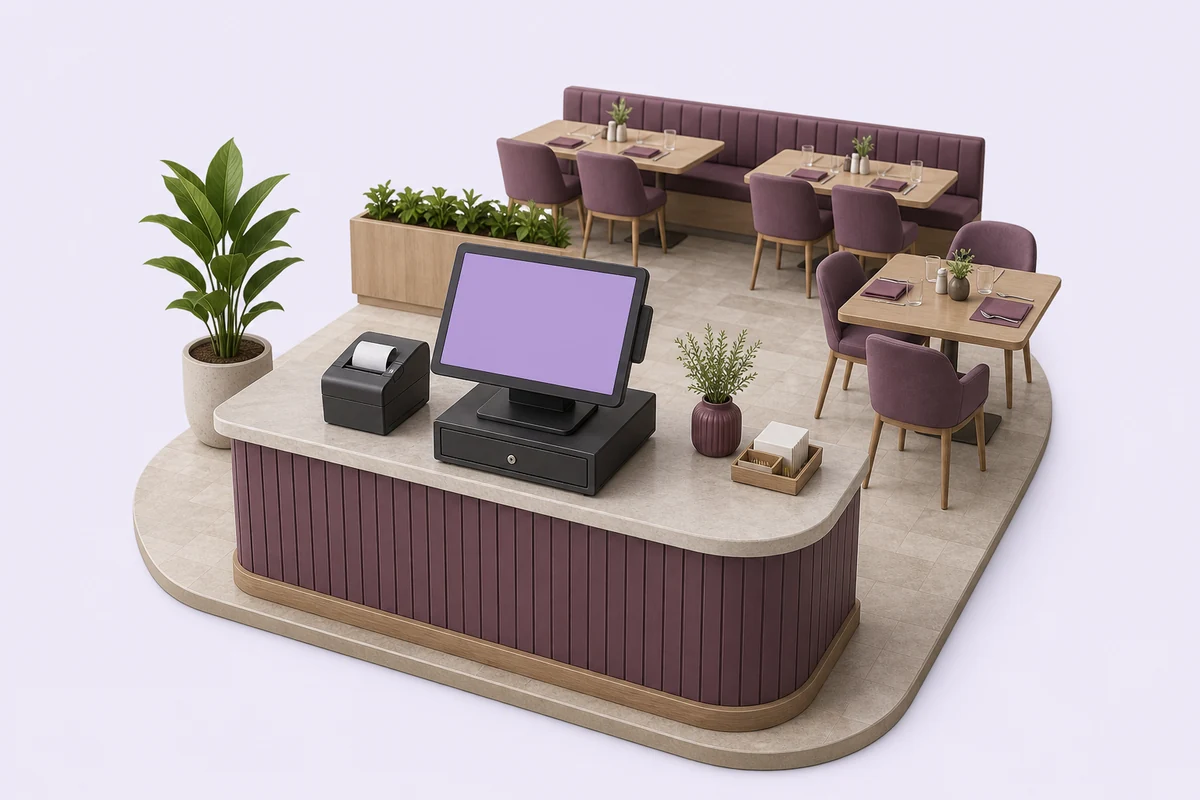
Restaurant operations
- Orders and billing
- Take orders, manage payment status and produce receipts or invoices using your configured setup.
- Menu management
- Organise dishes, variants, add-ons, prices and item availability.
- Kitchen and service
- Follow orders through preparation, ready and served states, with kitchen station support.
- Tables and reservations
- Manage table records, bookings and available reservation slots.
- Customers and staff
- Maintain customer records and assign staff access for their role.
- Sales and expenses
- Review sales, payment records, channel reports and operating expenses.
AI features
- Orby menu and ordering assistance
- Guests can ask about the menu and build an order through text or voice. Orders follow the configured confirmation flow.
- Expense receipt scanning
- Read a receipt into an expense draft. Staff review the extracted details before recording the expense.
- Platform guidance
- Ask questions about how to use the application, with answers based on the product guidance available in the app.
The demo covers the payment, receipt, device and ordering workflows available for your setup.
A typical workflow
Configure the menu
Set up dishes, prices, options, tables and staff access.
Run the service
Manage orders, kitchen progress and billing in the POS.
Review the records
Use sales, expense and channel reports to check the recorded activity.
Setup for your restaurant
We review your menu, order sources, outlets, staff roles, billing requirements and devices. Data migration, payment setup and any workflow changes are agreed before rollout.
What we can cover in your demo
- How do orders reach the kitchen and billing queue?
- How does Orby handle a guest’s menu question?
- How are expenses and receipts reviewed?